Configure SEGA Games Using HINATA Client (Recommended)
Download HINATA Client
Getting Started
After extraction, the following files should be present:
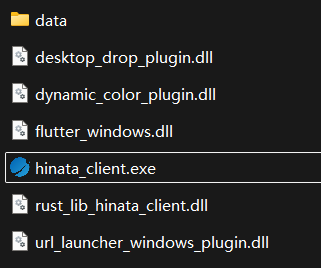
Double-click hinata_client.exe to open HINATA Client.
Configure Game
Follow the prompt to drag and drop or manually select the folder. This folder must contain
segatools.ini.Typically: The
binfolder for CHUNITHM, and thePackageorAMDaemonfolder for maimai.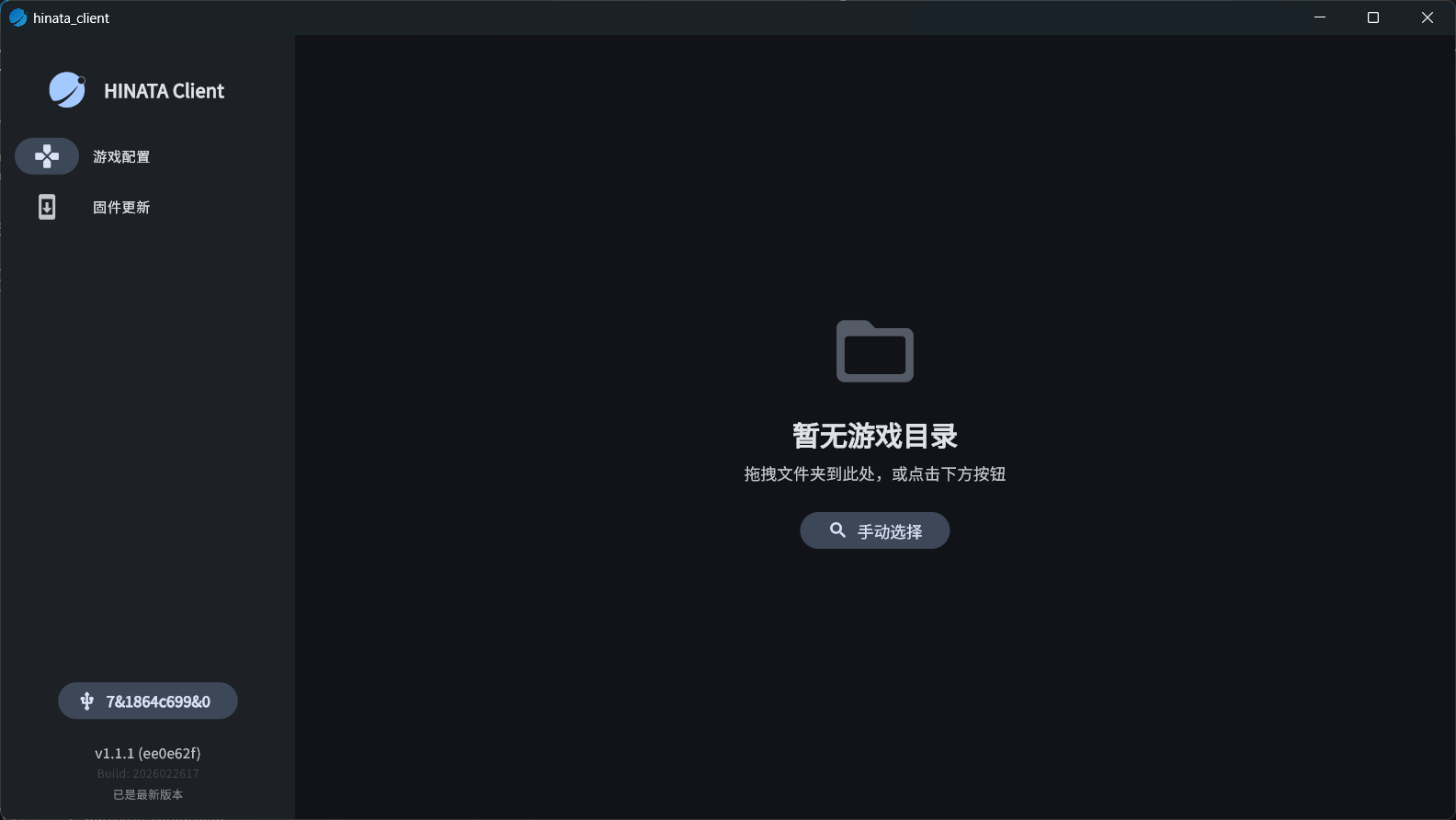
Follow the prompt to select the working mode. Selecting a mode will display its pros and cons, along with Optional Advanced Settings.
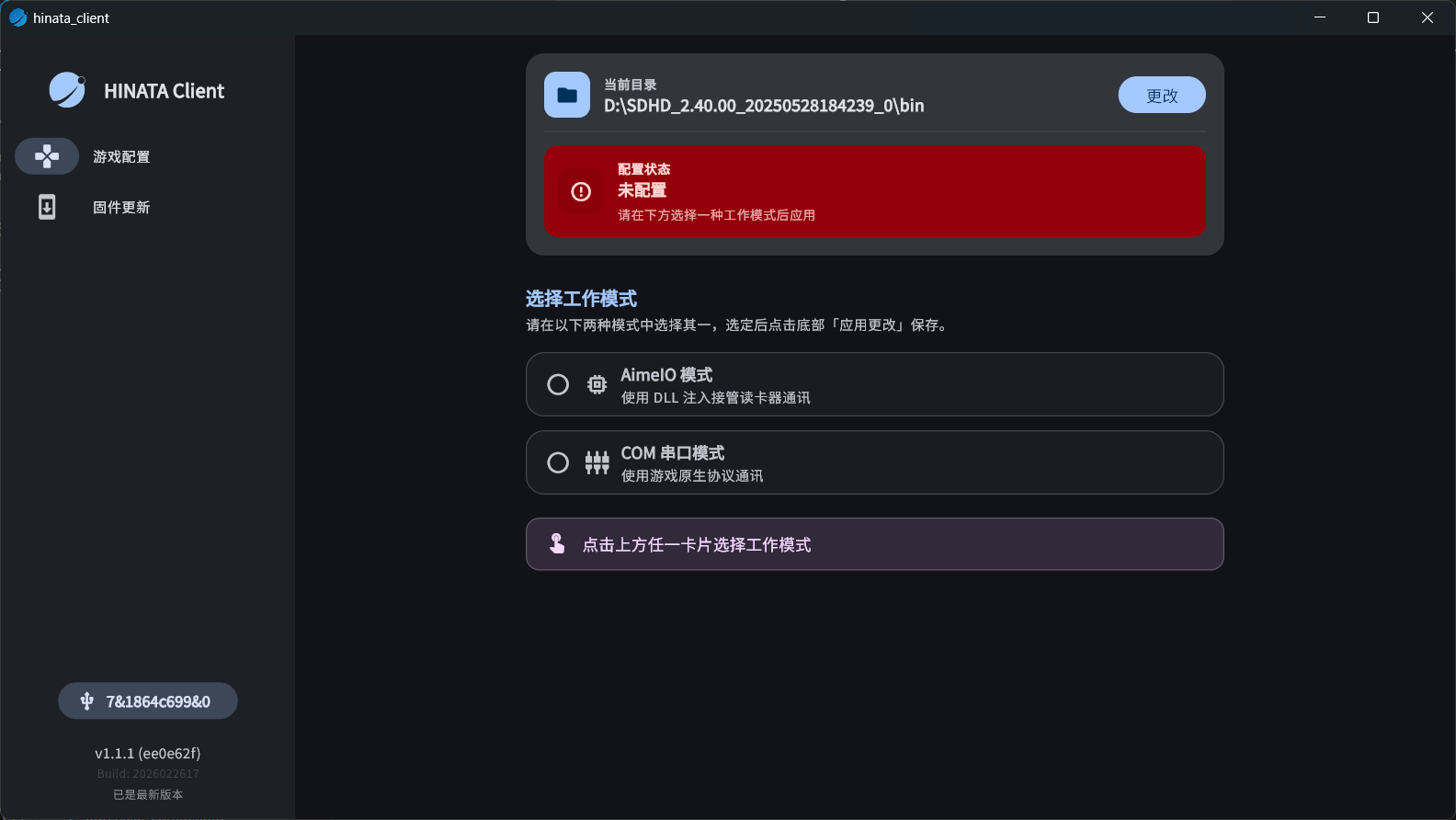
Click the
Apply Changesbutton to finish the setup, then you can start using the card reader.