AimeIO Extension Features
WARNING
Do not add and use extension features randomly. Please make absolutely sure you need an extension feature before adding it.
TIP
Please place the added features under the same [aimeio] section.
Remote Swiping Feature
What is the Remote Swiping Feature?
When you don't have a card reader or a physical Aime / BANA PASSPORT / Amusement IC card, setting this up allows you to swipe a card using only the card number. This is suitable for situations where there is no card reader or someone forgot their card and needs to log in to their account.
How to Use
First, add the following under the [aimeio] section:
; Remote card swiping feature, replace REPLACEME with your preferred string
; Example: wss://aime-ws.neri.moe/cerisebouquet
; It works normally even without adding this line
serverUrl=wss://aime-ws.neri.moe/REPLACEME
Then you can visit aime-portal.neri.moe and enter the card number to swipe remotely.
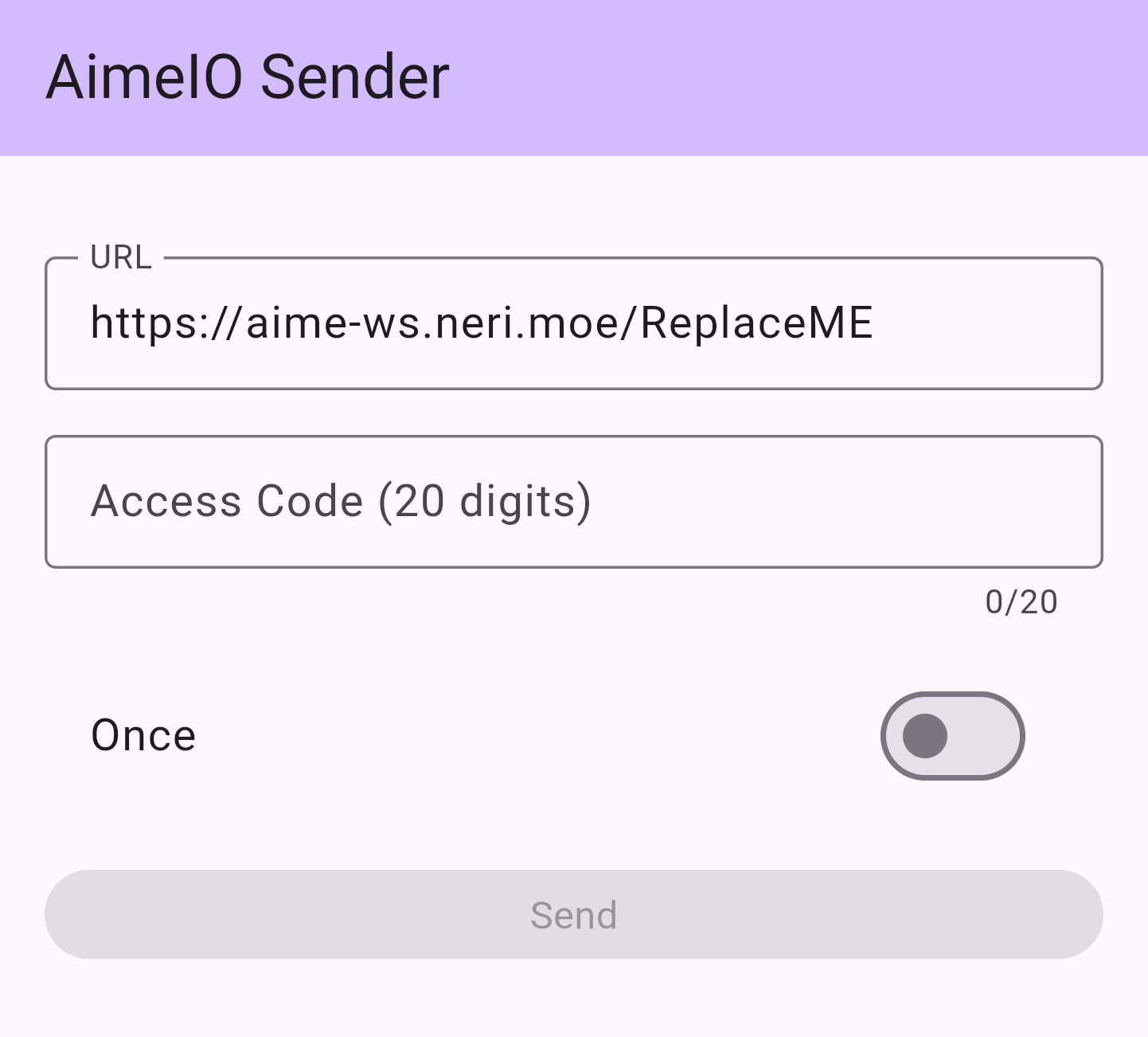
Change the ReplaceME at the end of the URL bar to the string you used to replace REPLACEME in segatools.ini, e.g.: https://aime-ws.neri.moe/cerisebouquet.
Then you can fill in the 20-digit Access Code below and click the Send button to swipe remotely.
Multiplex with Other AimeIO
You can simultaneously use built-in card readers on some controllers or other card readers/services that use AimeIO while using HINATA.
; Multiplex with other AimeIO, such as amnet, mageki, yubideck (DaSi)
; Please add and use only when needed
; Use '|' as a separator to load multiple dlls simultaneously
dllMux=MU3Input.dll|amnet.dll